Advigator configures everything from best practices and your own data. Every rule stays adjustable — change what you want, keep the rest on autopilot.
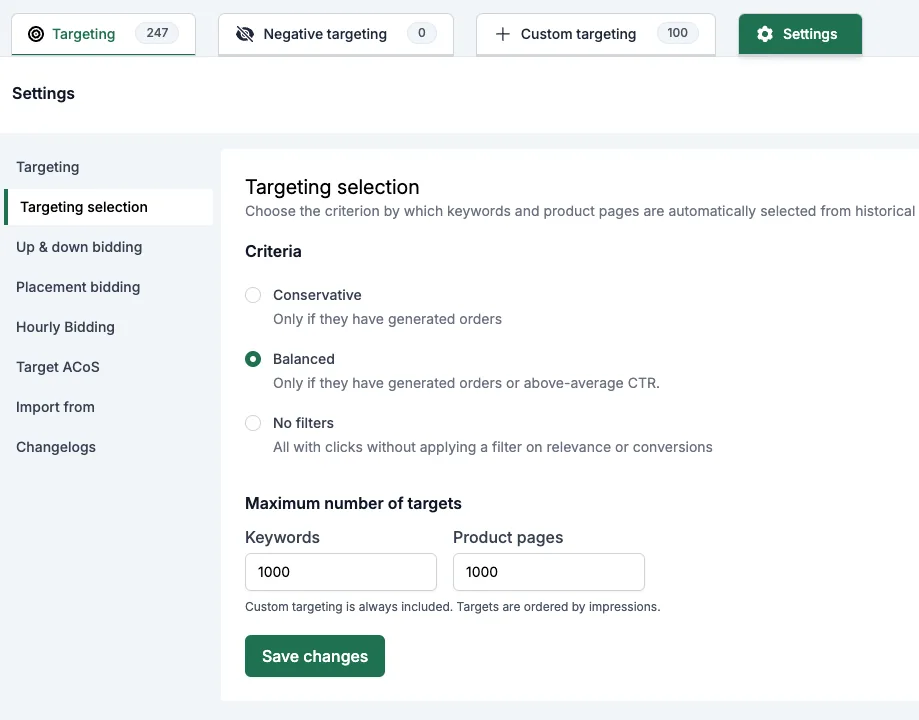
Targeting size
Decide which keywords earn a place in your targeting: only those that have already produced an order, or also those with an above-average CTR.
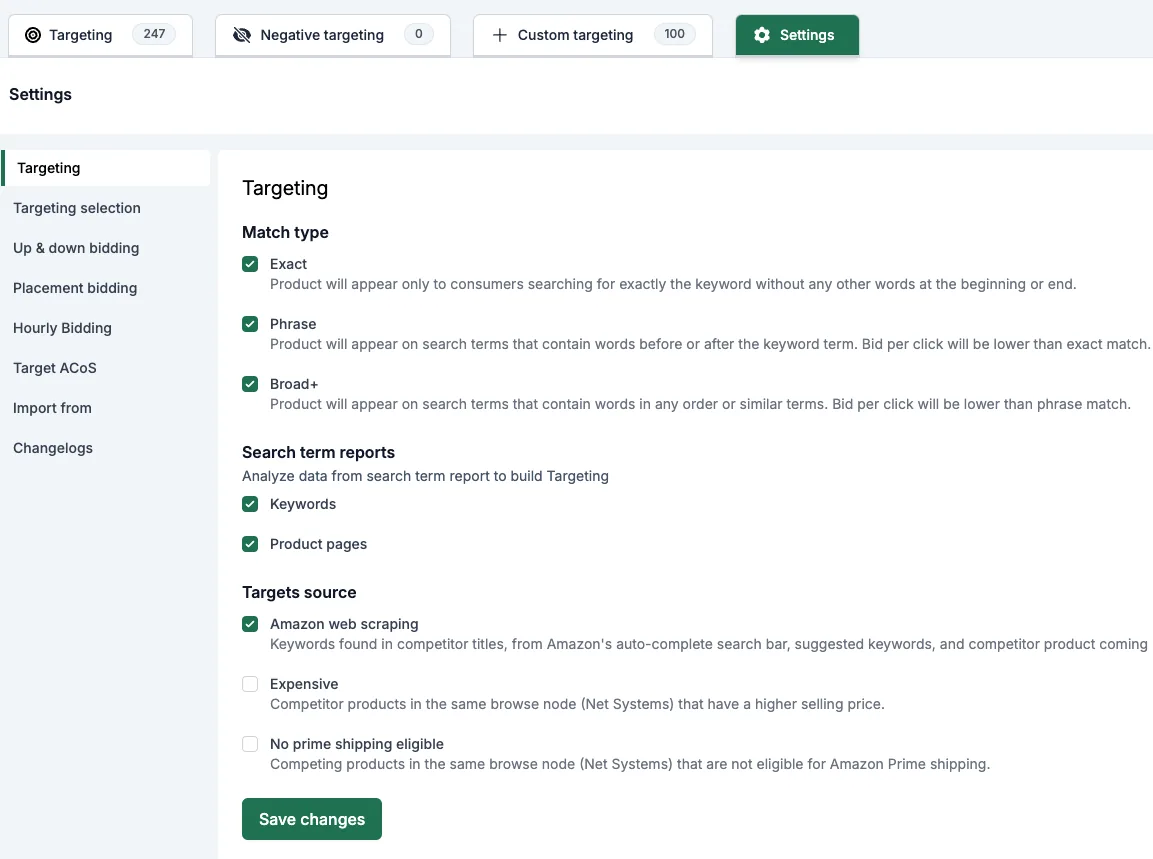
Targets type
Choose match types, target types, and which automatic expressions to run.
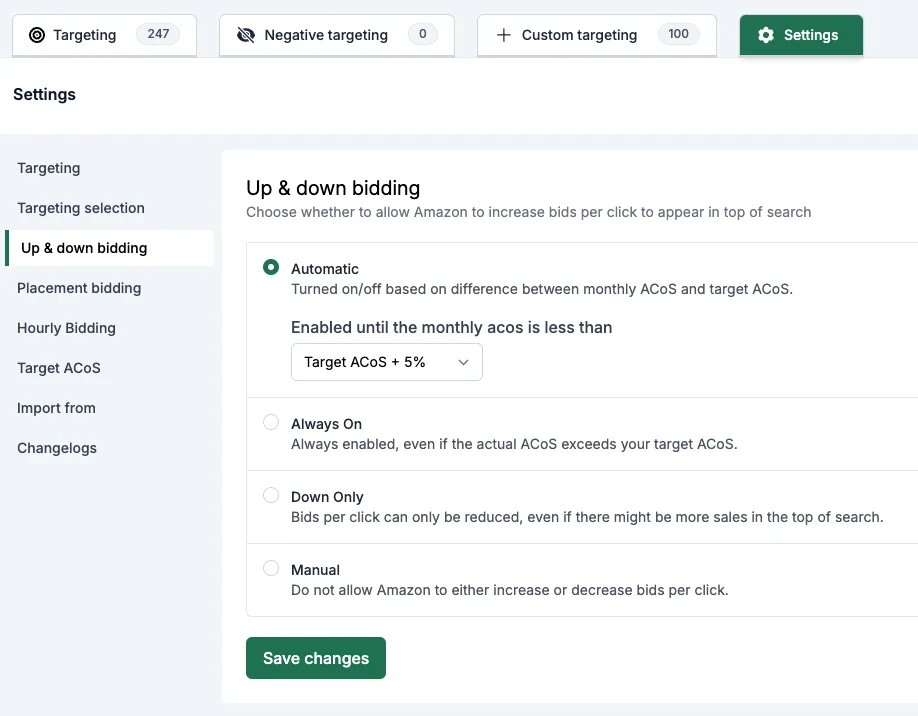
Up & down bidding
By default, up & down bidding stays on until your actual ACoS exceeds your Target ACoS by a set threshold. Prefer it always on, down-only, or fully manual? Your choice.
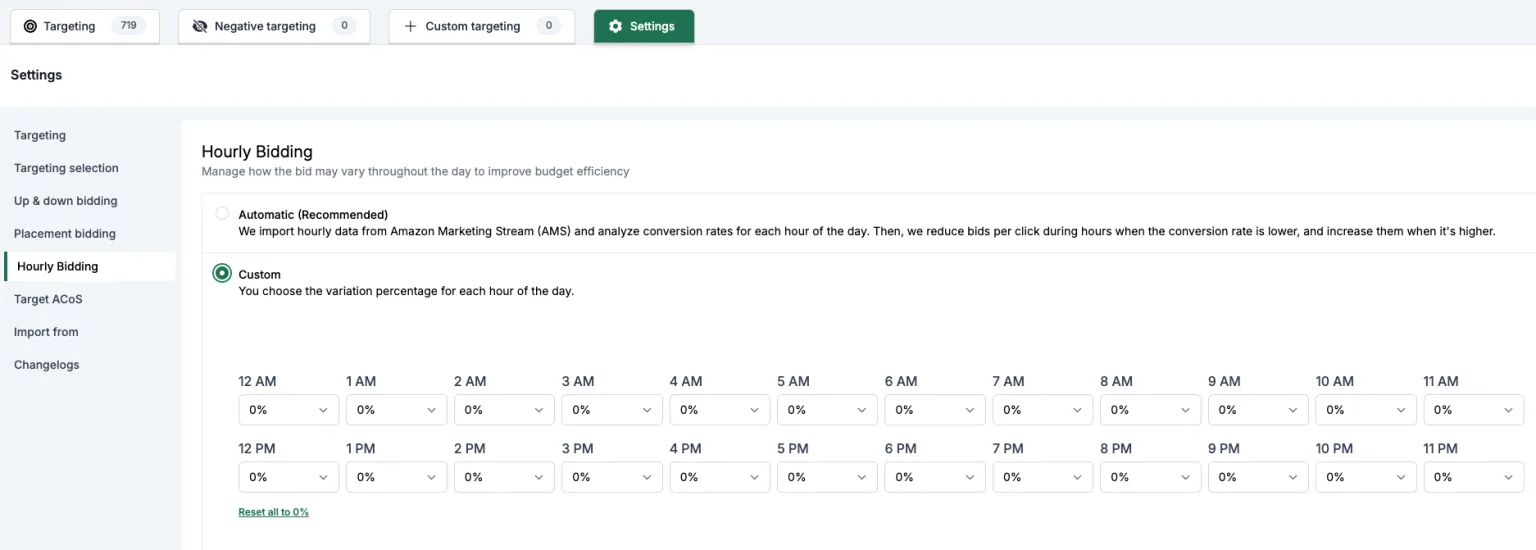
Hourly bidding
Advigator imports hourly data from Amazon Marketing Stream (AMS) and calculates the conversion rate for each hour of the day — then lowers your bids overnight and raises them when shoppers actually buy. You can disable it, or set your own value for every hour.
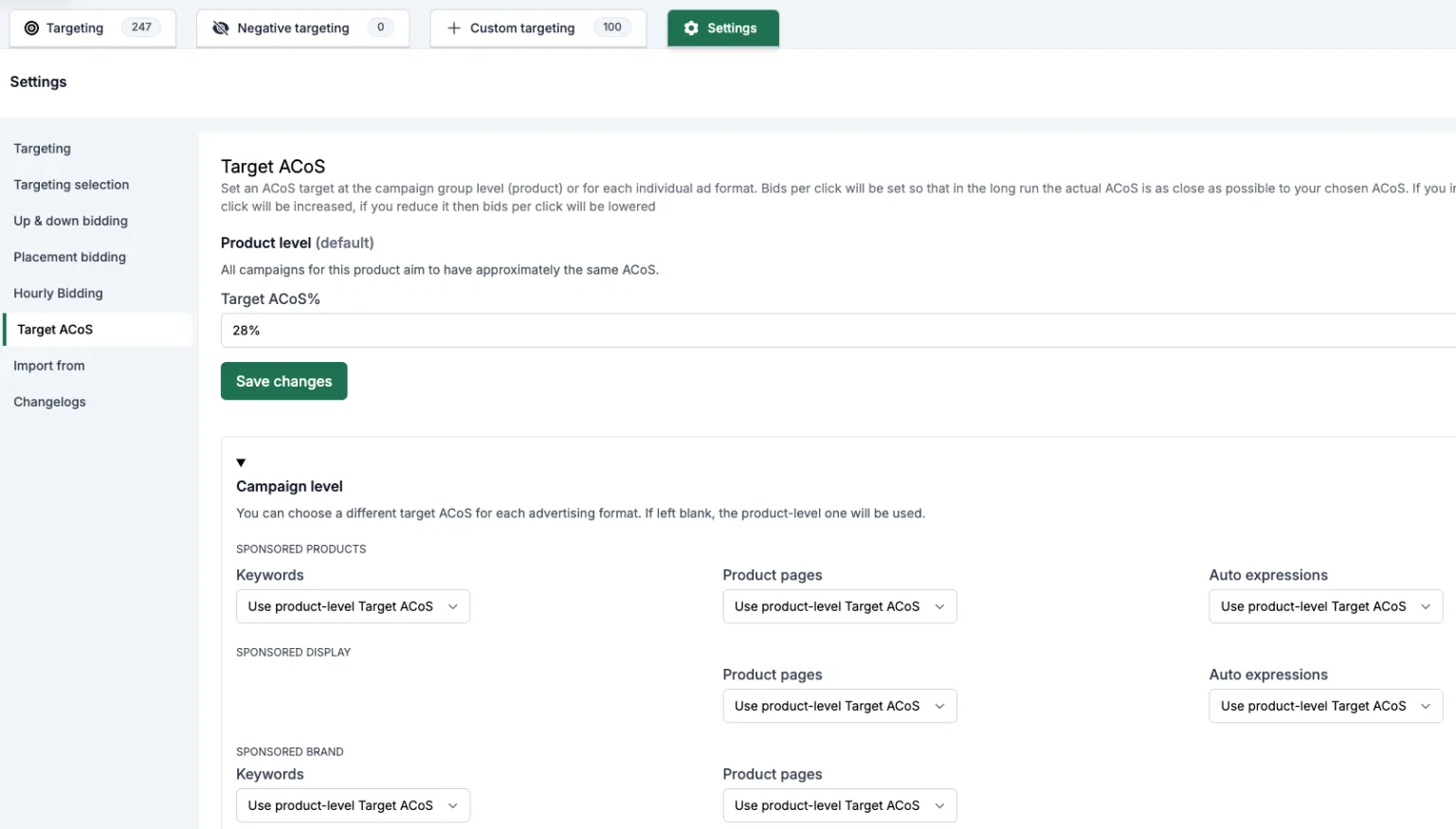
Target ACoS by campaign type
Set one Target ACoS per product (parent ASIN), or a different one for each ad format.
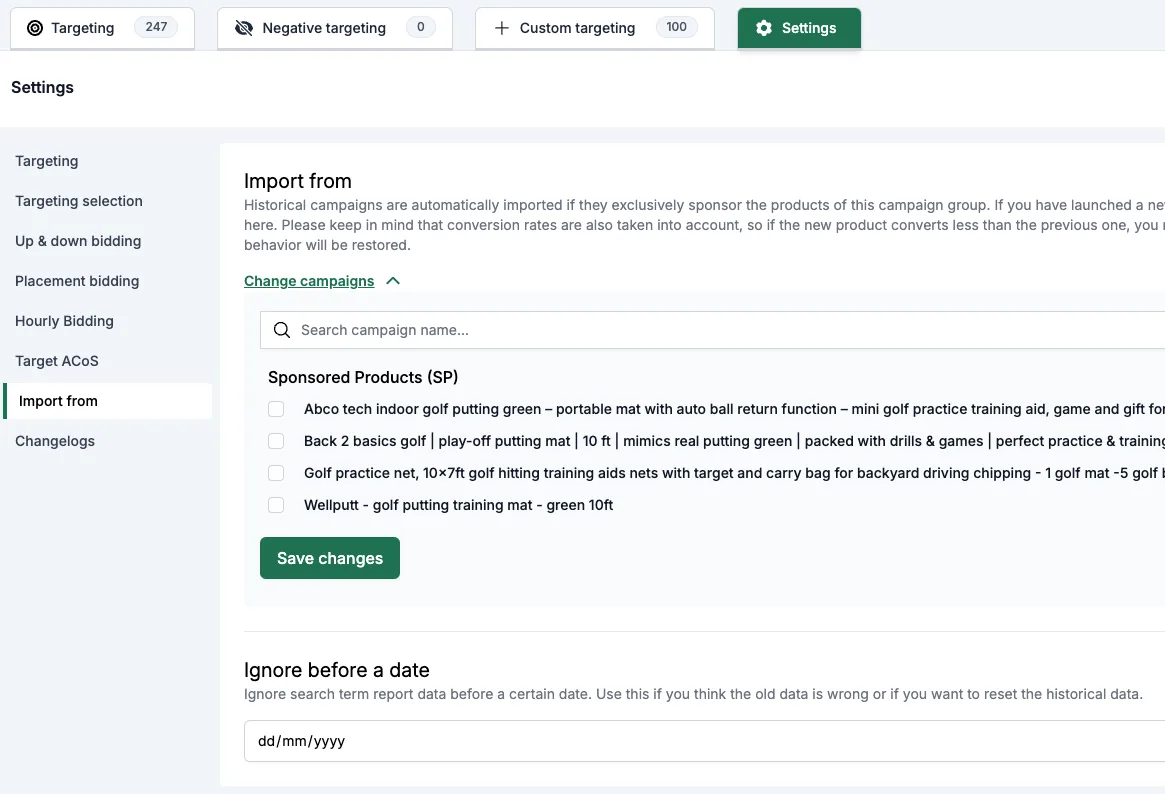
Import from old campaigns
Launching a replacement or a new version of an existing product? Point the system at the old campaign, and it starts from that data instead of from zero.